Managing WhatsApp bookings in your grooming salon without the chaos
Want to see how Petovia handles this? Dog grooming software →
In many salons a booking starts with a message: "Any space next week for Bobby?" Clients like it and it feels personal. But with dozens of clients, WhatsApp becomes a second calendar that is never quite right.
Where WhatsApp as a calendar goes wrong
- A booking is in the chat but never makes it into your calendar.
- Two clients are offered the same slot because you are in two chats at once.
- You scroll through hundreds of messages to find what you did last time.
- Your phone buzzes all day, even with a dog on the table.
Five tips
- One calendar rules: a booking only exists once it is in your calendar.
- Use quick replies in WhatsApp Business for prices, hours and parking.
- Send your booking link instead of offering times.
- Keep notes with the dog, not in the chat.
- Let reminders go out automatically.
WhatsApp and online booking together
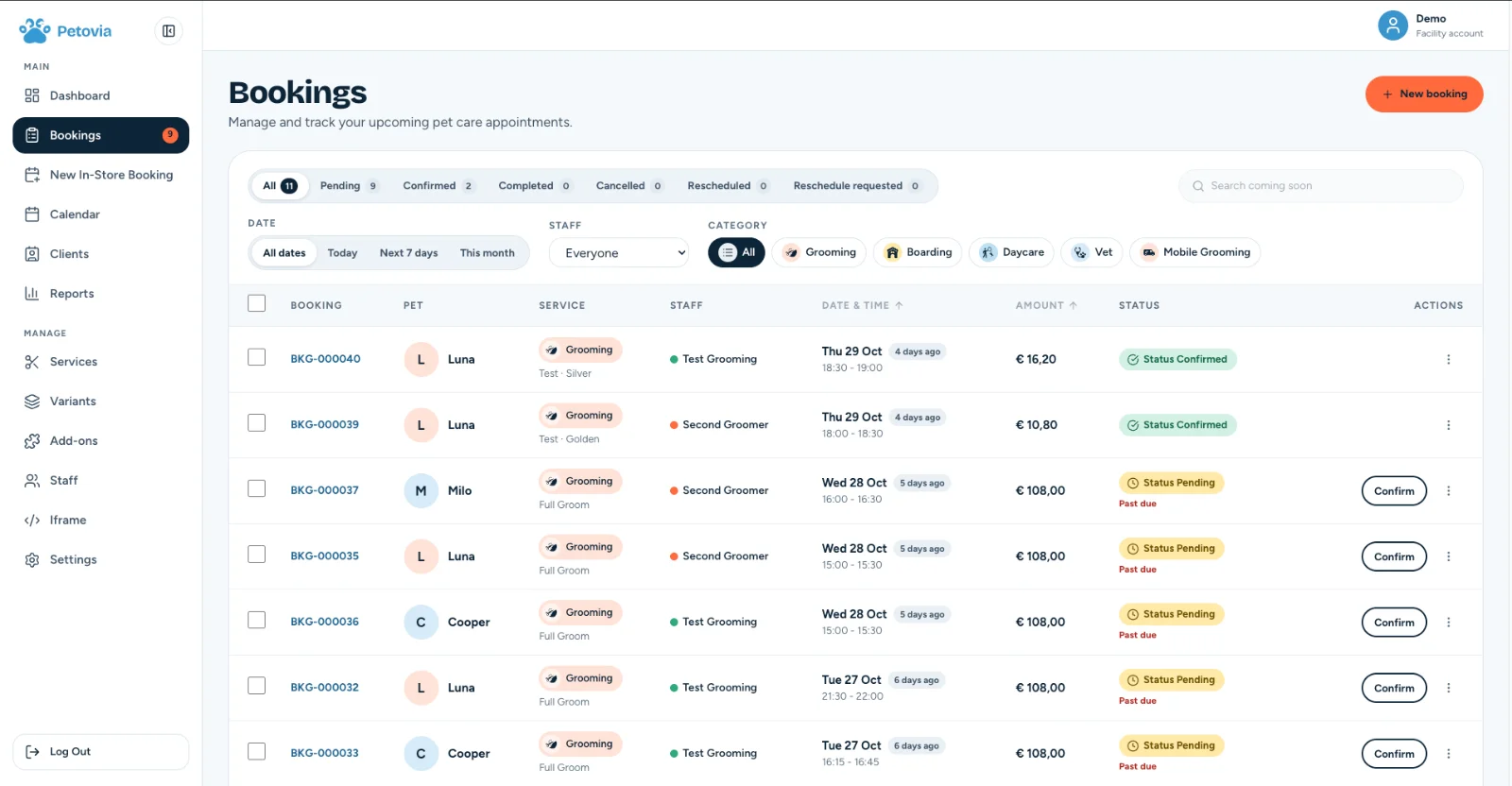
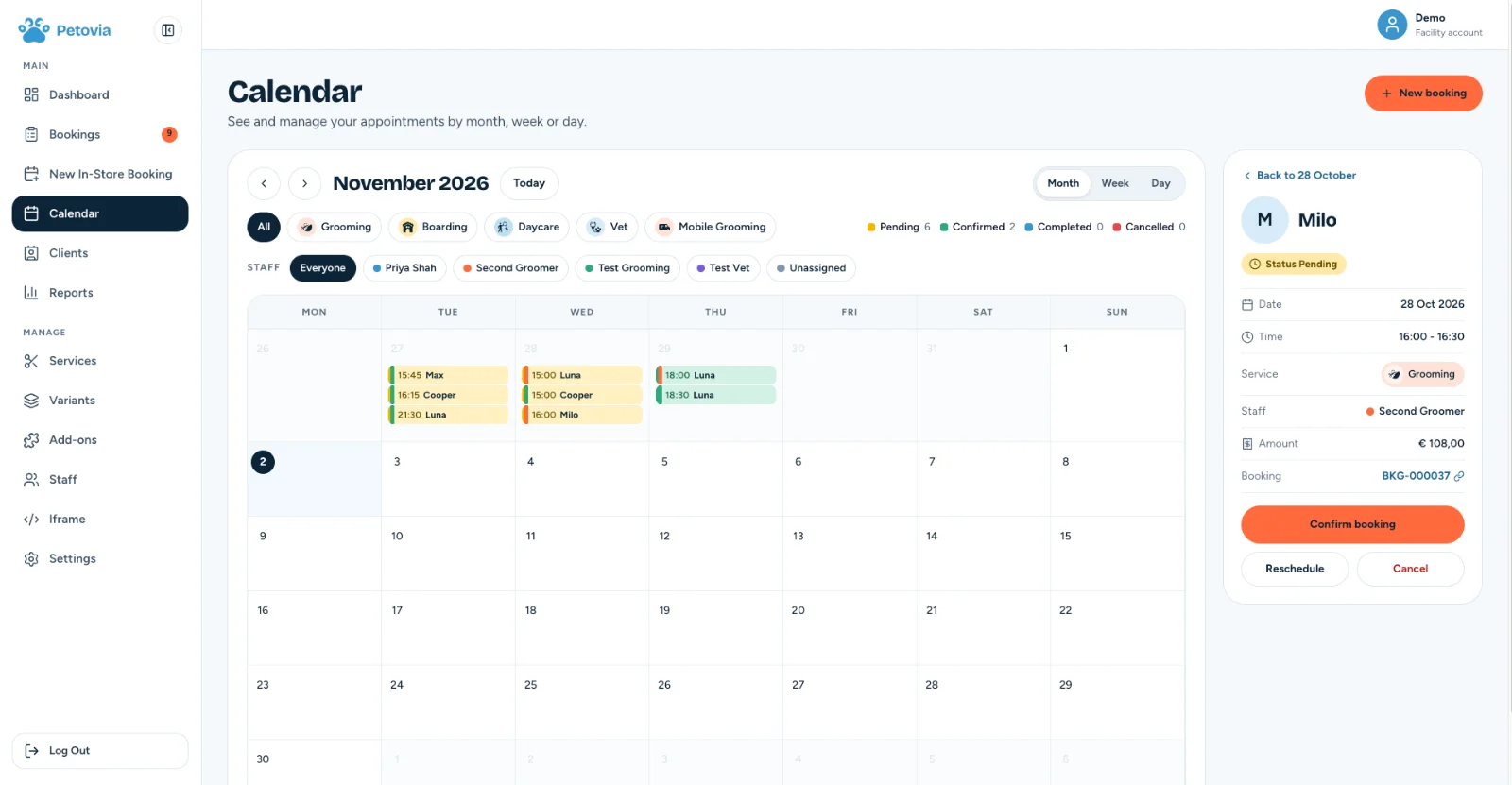
You do not have to give up WhatsApp. It works best when both end up in one calendar: online bookings arrive by themselves, and you add WhatsApp bookings yourself. With Petovia, clients book through your link, you add phone and WhatsApp bookings in a few clicks, notes sit with each dog and reminders go out 24 hours ahead.
Frequently asked questions
Can I keep using WhatsApp next to booking software?
Yes. Add WhatsApp bookings to the same calendar as your online bookings, so you have one overview.
Where should I put my booking link?
In your WhatsApp Business profile, as a quick reply, in your Instagram bio and on your website.
Try Petovia for your business
See how Petovia works for you in a short demo, or start right away.